I made a digital frame with my photos which run on Libre Office. I'm faced with the following issue:
If someone accidentally pulls out the Raspberry Pi the LibreOffice can not use the file anymore. I tried to find solution here like block the SD card switch or set the ReadOnly settings, but as I've read I can not use it in a GUI environment.
How can I prevent the files being corrupted?
Update 1
It is stuck like this:
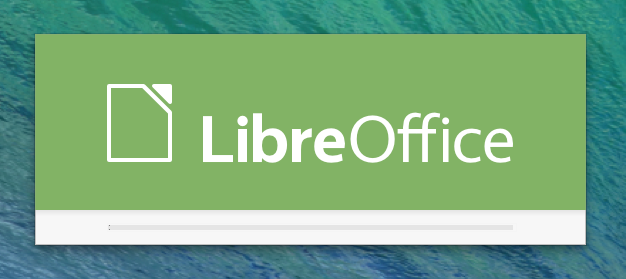
If I reset Ctrl+Alt+F1 and startx and open start LibreOffice and I am able to open the file without any complication.
Its seems the file is not corrupted just the Libreoffice can't autorun.
I added this line to Profile:
sudo libreoffice -show photos.odp
The file is exist
Update 2
Using command sudo libreoffice -norestore -show photos.odp
solves the stuck issue, but the photo slide doesn't load. Only the graph operating system loads.
Aborting with Ctrl+Alt+F1 I can read the following: failed to open display. It is unclear because I've added to the profile which must run after GUI is loading.
Update 3
It seems I was able solve the issue.
Instead of the profile I've added my command to:
sudo nano /home/pi/.config/lxsession/LXDE-pi/autostart
sudo libreoffice --show Slideshow.odp
When I added this to the profile its works, until the first power loss.
After that, I got the error Failed to open display that's because the GUI has not started yet.


