I have an issue that I face every time I decide to build a cube, and I haven't found a way to overcome it yet.
The issue is how to allow the user to define a range of things automatically without having the need to hardcode them in the dimension. I will explain my problem in an example.
I have a table called Customers:
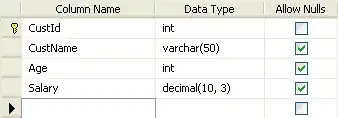
this is the data in the table:
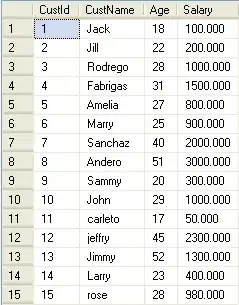
I want to display the data in a pivot style and group up the Salary and Age in defined ranges like below:
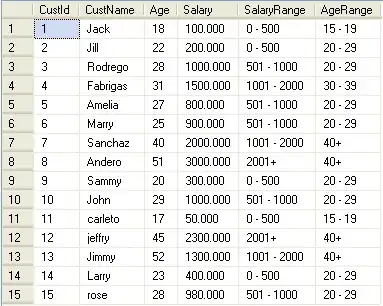
I wrote this script and defined the ranges:
SELECT [CustId]
      ,[CustName]
      ,[Age]
      ,[Salary]
      ,[SalaryRange] = case
        when cast(salary as float) <= 500 then
            '0 - 500'
        when cast(salary as float) between 501 and 1000 then
            '501 - 1000'
        when cast(salary as float) between 1001 and 2000 then
            '1001 - 2000'
        when cast(salary as float) > 2000 then
            '2001+'
        end,
        [AgeRange] = case
        when cast(age as float) < 15 then
            'below 15'
        when cast(age as float) between 15 and 19 then
            '15 - 19'
        when cast(age as float) between 20 and 29 then
            '20 - 29'
        when cast(age as float) between 30 and 39 then
            '30 - 39'
        when cast(age as float) >= 40 then
            '40+'
        end
  FROM [Customers]
GO
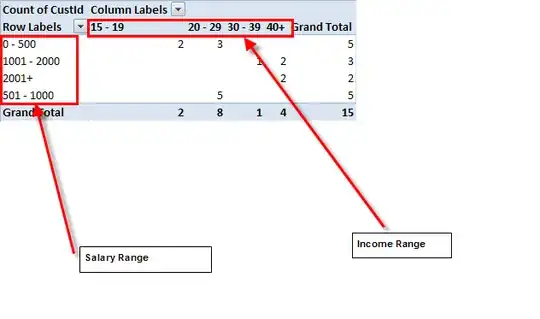
My ranges are hard coded and defined. When I copy the data to Excel and view it in a pivot table, it appears like below:
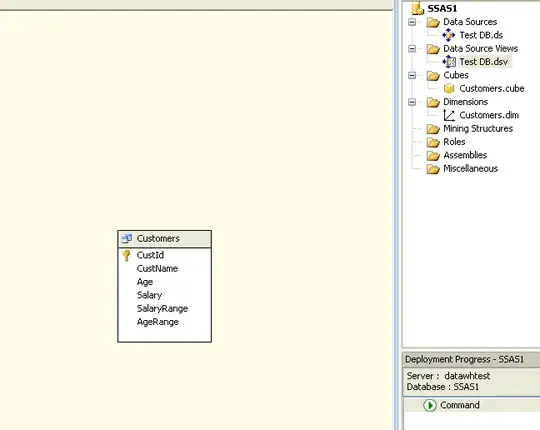
My problem is I want to create a cube by converting the Customers table into a fact table and create 2 dimension tables SalaryDim & AgeDim.
The SalaryDim table has 2 columns (SalaryKey,SalaryRange) and the AgeDim table is similar (ageKey,AgeRange). My Customer fact table has:
Customer
[CustId]
[CustName]
[AgeKey] --> foreign Key to AgeDim
[Salarykey] --> foreign Key to SalaryDim
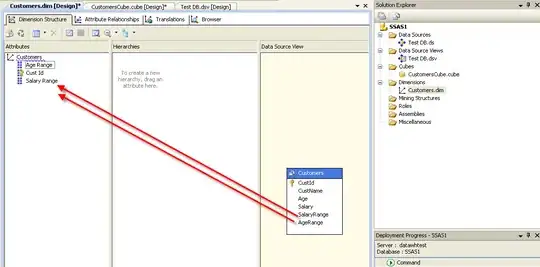
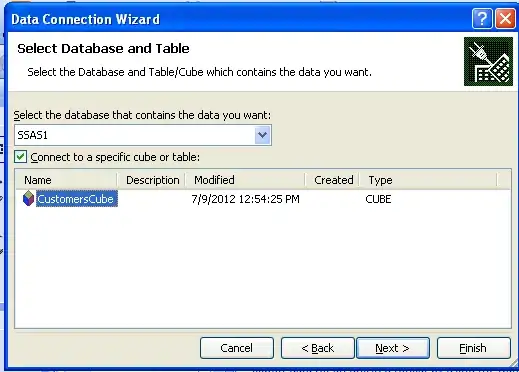
I still have to define my ranges inside these dimensions. Every time I connect an Excel pivot to my cube, I can only see these hardcoded defined ranges.
My question is how to define ranges dynamically from the pivot table directly, without creating the range dimensions like AgeDim and SalaryDim. I don't want to only be stuck to the ranges defined in the dimension.
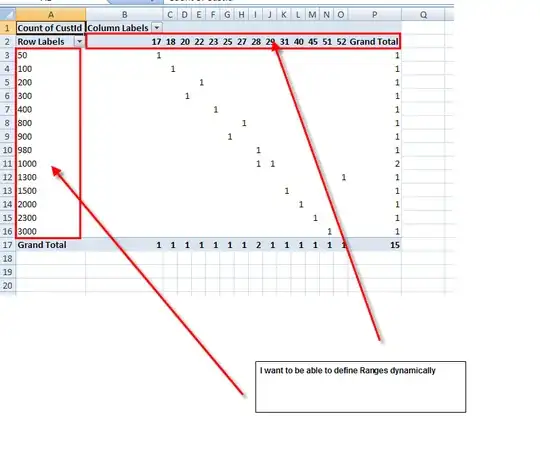
The range defined is '0-25' , '26-30' , '31- 50'. I might want to change it to '0-20', '21-31' , '32-42' and so on, and users request different ranges every time.
Every time I change it, I have to change the dimension. How can I improve this process?
It would be great to have a solution implemented in the cube, so that whatever BI client tool that connects to the cube can define the ranges, but I wouldn't mind if there is a good way using Excel only.