I am DBA for a Microsoft SQL Server 2008r2. Due to an audition, I need to provide data structure of my database, to people without an explicit IT background. I guess they would like the traditional format, with the tables as rectangles, with the fields listed inside, and the arrows between them to represent foreign keys. Is this something that is provided out-of-the-box by Microsoft?
Asked
Active
Viewed 876 times
5 Answers
5
In SQL Server Management Studio Object Explorer, expand a database and look at "Database Diagrams" to create one.
This require db_owner rights which you should have as a DBA (a.k.a sysadmin)

gbn
- 70,237
- 8
- 167
- 244

1
I ended up using a combination of Techwriter and of Server Studio's own database diagrams.

carlo.borreo
- 1,477
- 6
- 22
- 37
1
SchemaCrawler for SQL Server is a free tool that generates diagrams of tables selected by means of regular expressions. I recommend that you generate more than one diagram, per "domain" in your system - for example, one diagram each for customers, sales, orders.
Here is an example diagram: 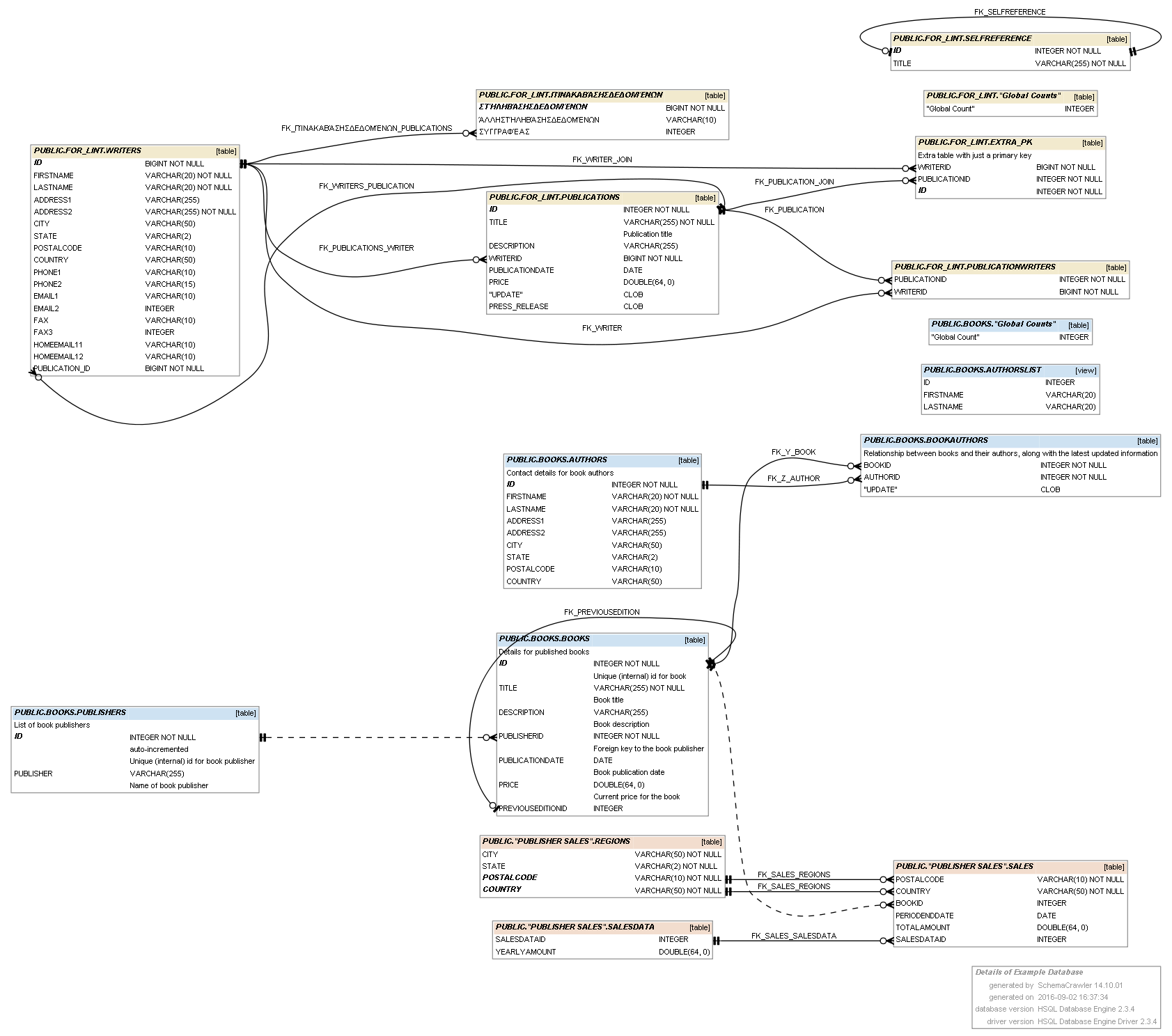
(source: github.io)

In addition, SchemaCrawler can also generate human readable HTML documentation of your schema.
Sualeh Fatehi, SchemaCrawler

Glorfindel
- 2,205
- 5
- 19
- 26

Sualeh Fatehi
- 341
- 1
- 5
0
It's not a direct solution your request but once you will have diagrams you can paste them into Dataedo documentation and generate nicely formatted document for auditors. (I'm the product manager of Dataedo.)
It will have detailed documentation of all database objects (with descriptions imported from DBMS) and your diagrams. You will be able to furtner descibe any other elelment.
Sample documentation: PDF


Paul White
- 94,921
- 30
- 437
- 687

Bad Pitt
- 274
- 1
- 6