There could be several reasons why the execution time is varying. The first step I would take is to test the query directly using the MySQL client from your MySQL server. This example is for Linux.
Create a script to test your query
vi query_1.sql
-- SQL_NO_CACHE means do not use the cache so you get the a more accurate execution time
SELECT SQL_NO_CACHE column_1, column_2 FROM sometable WHERE column_N = 'somevalue';
Save your file \wq
Execute the query from the console using the time command
time mysql -u root -p somedatabase < query_1.sql
real 0m2.009s
user 0m0.000s
sys 0m0.004s
You will get an output showing how long it truly took to execute your query. The times should remain constant.
You can also perform the same test from your rail app host, if you have the mysql client installed on that machine.
time mysql -h address.ip.database.host -u root -p somedatabase < query_1.sql
This might help to identify possible network issues if the query exectuion time is much longer from the Rails app host.
Update 12:25
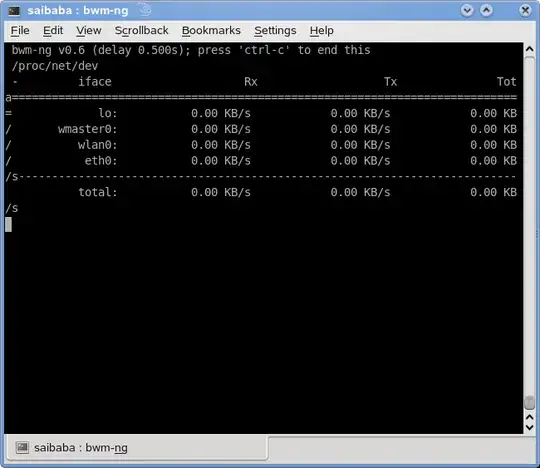
If this is a network issue, you can follow network activity using a program like bwm-ng Bandwith Monitor to analyze network activity on every network card installed on your system and the rate at which traffic is traveling through those links.
If that is not the case, then we can move forward by looking at other possible factors such as IO, Memory and other applications


