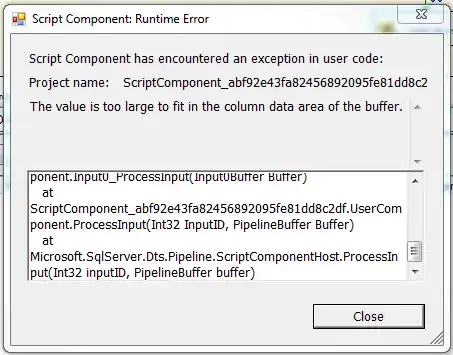
Use a Script Component to perform the conversion! Be sure to set your read / write variables of course! It's quite easy for use specific locale settings with the .NET framework, so a Script Component should be superior than trusting the database to correctly do the conversions for you.
Using a Script Component to Parse a DateTime Value from a String
    using System.Globalization;

    ...

    public void Main()
    {
        String str = ( String )Dts.Variables[ "StringVariable" ].Value;

             // Good candidate for another variable, this is just an example.
        String format = "ddMMMyyyy";
        CultureInfo provider = CultureInfo.InvariantCulture;

        DateTime dt = DateTime.Parse( str, format, provider );
        Dts.Variables[ "DateTimeVariable" ].Value = dt;

        Dts.TaskResult = ( int )ScriptResults.Success;
    }
And in VB, if that's How You Roll™
    Imports System.Globalization

    ...

    Public Sub Main()
            Dim str As String = Dts.Variables("StringVariable").Value
            Dim format As String = "ddMMMyyyy"
            Dim provider As CultureInfo = CultureInfo.InvariantCulture
            Dim dt As DateTime = Date.ParseExact(str, format, provider)
            Dts.Variables("DateTimeVariable").Value = dt
            Dts.TaskResult = ScriptResults.Success
    End Sub