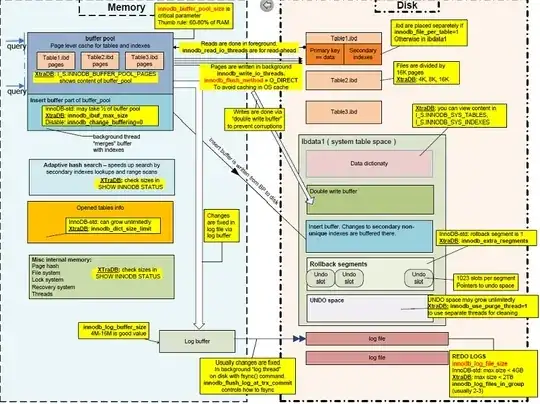
maybe kill mysqld process is not the best way to deal with this problem
now I simulate your error "InnoDB: Unable to lock ./ibdata1, error: 11"
1.delete PID file while mysqld is running
[root@linux tmp]# service mysql status
 SUCCESS! MySQL running (9320)

[root@linux tmp]# rm -rf /data/mysql/data/lawrence.pid
2.when you restart or shutdown MySQL service
[root@linux tmp]# /etc/init.d/mysql restart
 ERROR! MySQL server PID file could not be found!
Starting MySQL.............
 ERROR! The server quit without updating PID file (/data/mysql/data/lawrence.pid).
and the errors in error log,your error comes
[root@linux~]# tail /data/mysql/data/error.log
2016-04-26 14:54:49 10984 [ERROR] InnoDB: Unable to lock ./ibdata1, error: 11
2016-04-26 14:54:49 10984 [Note] InnoDB: Check that you do not already
have another mysqld process using the same InnoDB data or log files.
conclusion —— your error is because PID file is missing!
possibility —— if you change your hostname while your mysql is running,and you didn't add pid-file=XXX in [mysqld] modual,this error will occur!
3.how to deal with it ? check the mysql.server scripts(/etc/init.d/mysql restart)
[root@lawrence ~]# sed -n '298,326p' /etc/init.d/mysql


'stop')
# Stop daemon. We use a signal here to avoid having to know the
# root password.
if test -s "$mysqld_pid_file_path"
then
  mysqld_pid=`cat "$mysqld_pid_file_path"`

  if (kill -0 $mysqld_pid 2>/dev/null)
  then
    echo $echo_n "Shutting down MySQL"
    kill $mysqld_pid
    # mysqld should remove the pid file when it exits, so wait for it.
    wait_for_pid removed "$mysqld_pid" "$mysqld_pid_file_path"; return_value=$?
  else
    log_failure_msg "MySQL server process #$mysqld_pid is not running!"
    rm "$mysqld_pid_file_path"
  fi

  # Delete lock for RedHat / SuSE
  if test -f "$lock_file_path"
  then
    rm -f "$lock_file_path"
  fi
  exit $return_value
else
  log_failure_msg "MySQL server PID file could not be found!"
fi
;;
we can see that after I delete pid file cause " test -s $mysqld_pid_file_path" is false, so these three operation will not execute
1.kill -0 $mysqld_pid 2>/dev/null
2.kill $mysqld_pid
3.rm -f "$lock_file_path"(/var/lock/subsys/mysql file)
It means that your mysqld process is using your ./ibadata1, prove that !
[root@linux tmp]# lsof|grep "ibdata1"
mysqld  9655 mysql 4uW REG 8,3 79691776 268144 /data/mysql/data/ibdata
what you need to do is adding a pid file contain 9655 pid number (mysqld pid) and use your hostname as your pid file name to make mysql.server script works fine !
[root@linux tmp]# echo "9655" /data/mysql/data/`hostname`.pid
check chat and you will know your pid-file you created is recongized by MySQL
[root@linux tmp]# /etc/init.d/mysql status
 SUCCESS! MySQL running (9655)
when your restart your service, it works fine!
[root@linux tmp]# /etc/init.d/mysql restart
Shutting down MySQL.. SUCCESS!
Starting MySQL.. SUCCESS!
avoid rasing this problem again ,you need to add pid-file to your my.cnf
# The MySQL server
[mysqld]
pid-file        =/data/mysql/data/mysql.pid
restart your MySQL server and all things fine!