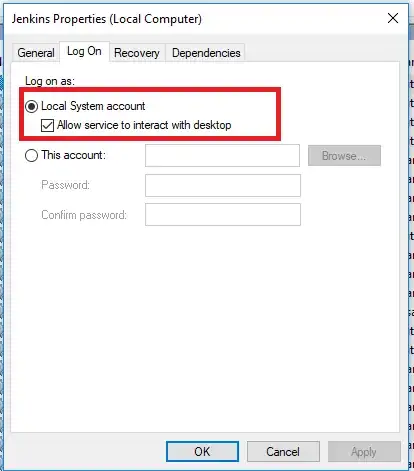
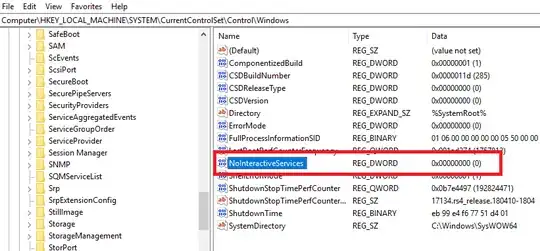
Although it's too late to answer on this thread but it might help someone going forward.
Only solution worked for me is to switch Jenkins from service to standalone. Unfortunately other solutions didn't work for me may be because latest version of Windows 10 doesn't at all allow running GUI apps from services. However, information given by Dev was very useful in understanding why I was facing the problem.
But while switching Jenkins from service to standalone, you'll have to reconfigure the server completely. So to avoid that I've detailed the steps to backup, safe exit (service), startup (standalone) and restore.
- While service instance is running, install ThinBackup plugin, do the required settings and take the backup of Jenkins jobs, plugins, user data, configuration, etc.
- Safely stop the Jenkins service instance using the URL - [jenkins-url]/exit (e.g. http://localhost:8080/exit).
- Launch terminal, navigate to Jenkins installation directory and run the command:
java -jar jenkins.war and let the server start.
- Use the same url as earlier, do the initial configuration as per recommended plugins, login by creating new credentials.
- Install ThinBackup plugin on the standalone instance and restore the backup. This will take few minutes to complete.
Now you'll be able to run the tests by actually launching the browser as well as use Jenkins server as configured earlier.
Note: The standalone instance won't have the auto startup of the server as was the case with service instance. In order to achieve that create a batch file having Jenkins startup command as above and follow the steps described here.