Note that I am referring to the C++ library, raspicam (http://www.uco.es/investiga/grupos/ava/node/40), not the raspberry pi camera in general. Unfortunately, I don't have the reputation to make a "raspicam" tag.
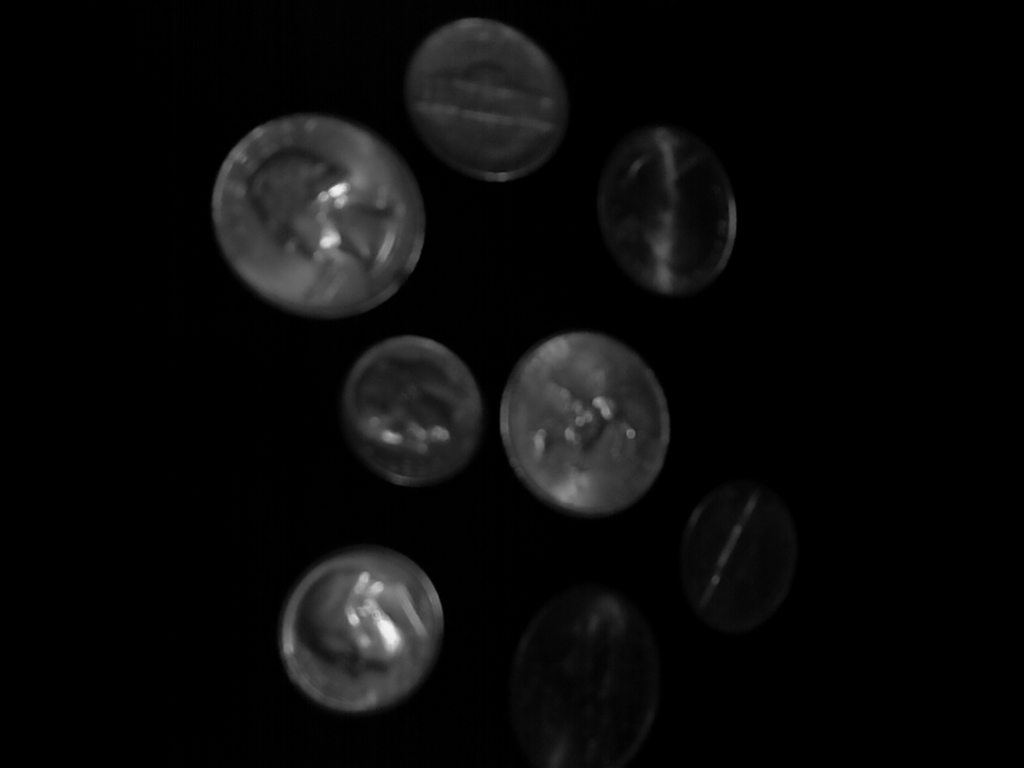
It seems that camera images grabbed and retrieved from the raspberry pi camera are far darker than what they should be, but the brightness improves if I grab 3 images and only take the last one.
Images: https://i.sstatic.net/EB8vY.jpg
For each image in the album I changed tFrameCount to 1, 2, 3, and 4
Code: (main.cpp)
// to compile: g++ -o main main.cpp -lraspicam_cv -lraspicam `pkg-config --libs opencv`

#include <iostream>
#include <raspicam/raspicam_cv.h>
#include <exception>
#include <stdexcept>

#include "opencv2/imgproc/imgproc.hpp"
#include "opencv2/highgui/highgui.hpp"

using namespace std;
using namespace cv;

Mat Raspi_Capture()
{
    raspicam::RaspiCam_Cv tCamera;

    cv::Mat tCapturedImage;

    int tFrameCount = 1;

    //Get an 8 bit single channel image (greyscale image)
    // this property needs to be set BEFORE the camera is opened
    tCamera.set(CV_CAP_PROP_FORMAT, CV_8UC1);

    if (!tCamera.open())
    {
        runtime_error tError("[Raspi_Capture] Camera failed to open");
        throw tError;
    }

    //edited code: I set every property that implements any kind of automatic adjustment to a manual value

    //these properties need to be set AFTER the camera is opened

    tCamera.set(CV_CAP_PROP_GAIN, 50); // values range from 0 to 100
    tCamera.set(CV_CAP_PROP_EXPOSURE, 50); //-1 is auto, values range from 0 to 100
    tCamera.set(CV_CAP_PROP_WHITE_BALANCE_RED_V, 50); //values range from 0 to 100, -1 auto whitebalance
    tCamera.set(CV_CAP_PROP_WHITE_BALANCE_BLUE_U, 50); //values range from 0 to 100,  -1 auto whitebalance


    tCamera.grab();
    tCamera.retrieve(tCapturedImage);


    tCamera.release();

    return tCapturedImage;
}

int main()
{
    Mat tImage;

    try
    {
        tImage = Raspi_Capture();

        imwrite("raw_image.png", tImage);
    }

    catch(runtime_error& tError)
    {
        cerr << "Error: " << tError.what() << endl;
    }

    return 0;
}
Note: in a previous program I put imwrite on every iteration of the for loop, this made it so that I only needed to capture twice to get a properly bright image.
EDIT: my guess is that this is related to auto exposure or gain
My hardware: Raspberry pi ONE model B, I bought the camera around the same time I bought the raspberry pi, I'm not sure if the camera changed since the first generation.
My software: OS: Raspbian 2015-05-05
EDIT 2:
After posting this question I read that the raspberry pi camera uses automatic gain / exposure / white balance.
I have also read that it's not possible to turn this off in raspistill (I am not using raspistill).
There's a couple posts referring to "raspicam" that could not disable automatic exposure, but I am not sure if they are referring to this library or the hardware in general (using raspistill, for example). I am thankful for what the developer made with raspicam but this was not a good name for this library.
Raspicam provides these properties in raspicam_cv.h:
 /**Sets a property in the VideoCapture.
 *
 *
 * Implemented properties:
 * CV_CAP_PROP_FRAME_WIDTH,CV_CAP_PROP_FRAME_HEIGHT,
 * CV_CAP_PROP_FORMAT: CV_8UC1 or CV_8UC3
 * CV_CAP_PROP_BRIGHTNESS: [0,100]
 * CV_CAP_PROP_CONTRAST: [0,100]
 * CV_CAP_PROP_SATURATION: [0,100]
 * CV_CAP_PROP_GAIN: (iso): [0,100]
 * CV_CAP_PROP_EXPOSURE: -1 auto. [1,100] shutter speed from 0 to 33ms
 * CV_CAP_PROP_WHITE_BALANCE_RED_V : [1,100] -1 auto whitebalance
 * CV_CAP_PROP_WHITE_BALANCE_BLUE_U : [1,100] -1 auto whitebalance
 *
 */
Can somebody confirm that they can disable automatic gain/exposure?
Even after setting all of these properties to non-automatic settings, I still notice that it takes multiple captures.
EDIT 3: Looking at the source code for raspicam, it looks like the source requires the camera to be opened before you set exposure / etc. settings on it, note that the image format settings need to be set BEFORE the camera is opened.
The images I got back from the camera are pretty strange right now but it seems to be consistent no matter how many frames I take.
I made a new image album and added the manual gain image to the end of it. I think it's just a matter of adjusting the parameters...
EDIT 4: After many attempts to attempt to get the white balance/gain/exposure settings correct, I gave up and bought a logitech C310 camera, it seems about as fast as the raspberry pi camera and I just capture directly through opencv, I will be using this from now on.