5

I just installed motion on my Raspberry Pi 3 with the Raspbian distro, the software seems to work fine. However, I can't see any image from the local camera. I checked the log of motion and this is the content:
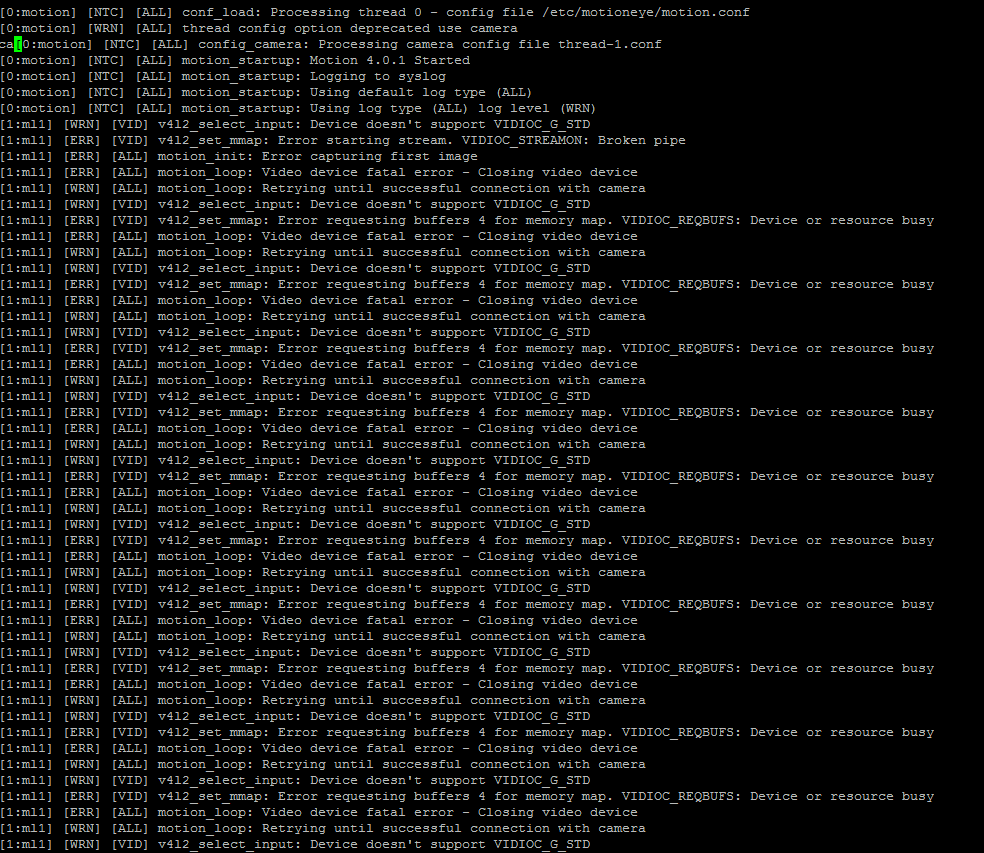
enter image description here

this is the result that I get in motioneye:
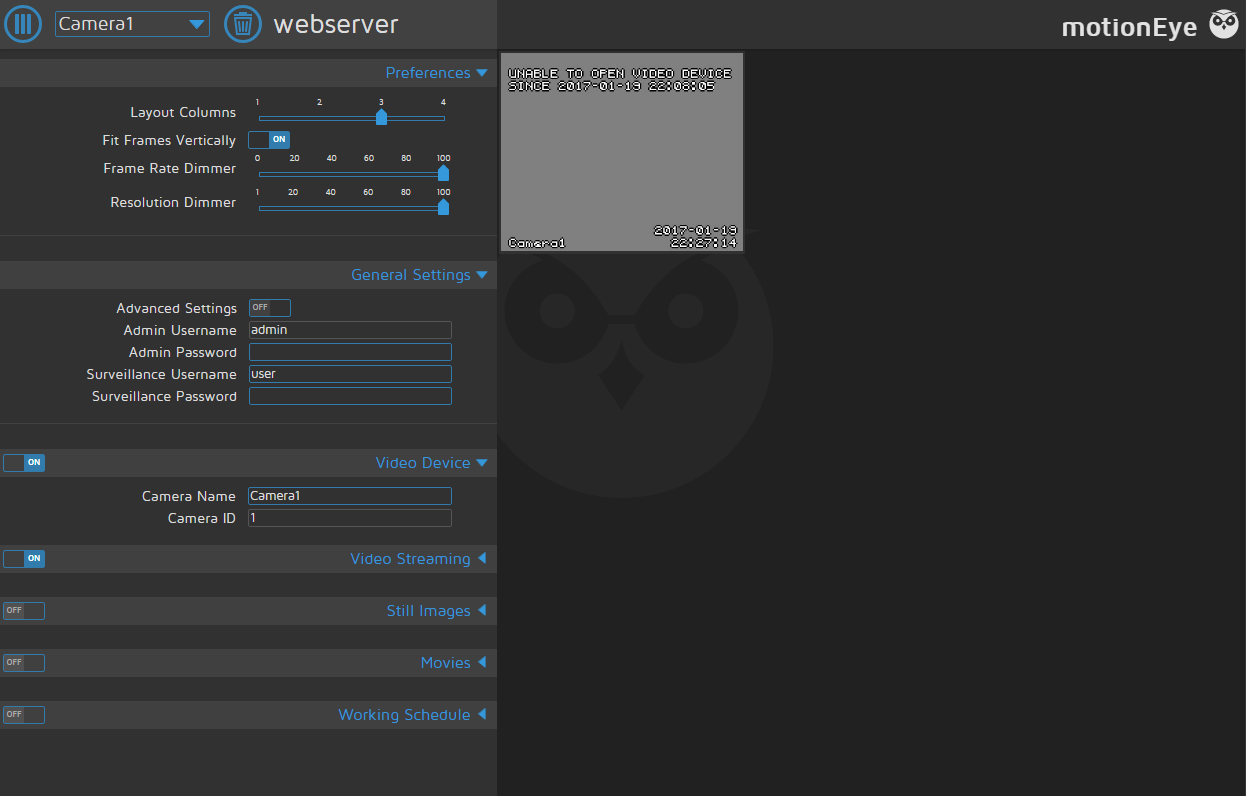
enter image description here

I don't know how to solve the issue, someone could help me please?

Thanks.

linusg
  • 442
  • 6
  • 17
AgainMe
  • 53
  • 1
  • 1
  • 5

3 Answers3

6

Try this: sudo modprobe bcm2835-v4l2

if works then put above line in /etc/rc.local to run this at boot time.

Abhishek Rai
  • 61
  • 1
  • 1
4

A short Google search for Device doesn't support VIDIOC_G_STD gave these two links:

The first page suggests:

  • Check for ls /dev/video*, no output means your camera is not connected properly or driver is missing

  • If a camera is recognized, tweak some config files

  • If not, give the older Raspbian Wheezy a try, it was reported to work much better than the newer Jessie.

The second one (GitHub issue) concludes that the camera is simply not compatible, so try with another one.

Hope this helps and good luck in resolving this issue!

linusg
  • 442
  • 6
  • 17
0

If you are using USB camera, then uninstall the RPI web interface and then install fswebcam and ffmpeg and then start the motion.

Hope it does work!

Thanks, Kavi

kavi
  • 1