In the Azure Portal, I'm in Home and then clicked on Images. From there, I checkboxed multiple images but there's no 'Delete' action that would allow me to delete multiple images at a time. Is there any other way other than deleting one at a time?
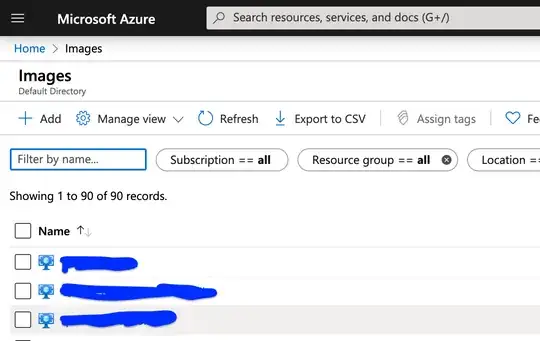
In the Azure Portal, I'm in Home and then clicked on Images. From there, I checkboxed multiple images but there's no 'Delete' action that would allow me to delete multiple images at a time. Is there any other way other than deleting one at a time?


For some reasons, there is no "delete" button in most views in the Azure Portal; however, there is a delete button in the "All resources" view.
Go to the "All resources" view, select the objects you want to delete and click the "Delete" button; you'll have to confirm the list by typing "yes".
You can search, filter and order the results, thus it should be easy to retrieve and select the objects you want to bulk delete.
