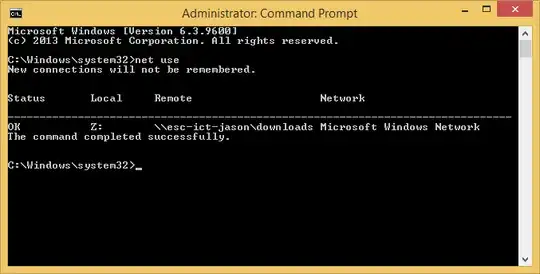
In my understanding of security, an administrator should be able to view all connections to and from a computer - just as they can view all processes/owner, network connections/owning process. However, Windows 8 seems to have disabled this.
As administrator running an elevated in Win Vista+ when you run net use you get back all drives mapped, listed as unavailable. In Windows 8, the same command run from an elevated prompt returns "There are no entries in the list". The behavior is identical for powershell Get-WmiObject Win32_LogonSessionMappedDisk.
A workaround for persistent mappings is to run Get-ChildItem Registry::HKU*\Network*. This does not include temporary mappings (in my particular example it was created through explorer on an administrator account and I did not select "Reconnect at sign-in")
Is there a direct/simple way for Administrator to view connections of any user (short of a script that runs under each user context)? I have read Some Programs Cannot Access Network Locations When UAC Is Enabled but I do not think it particularly applies.
I have seen this answer, but it still does not address non-persistent drives How can I tell what network drives users have mapped?