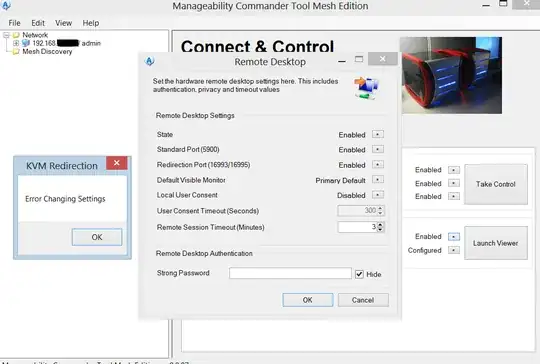
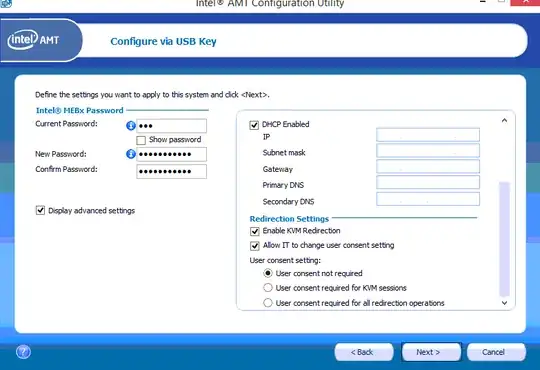
I'm trying to setup Intel vPro AMT KVM (Remote Desktop). I enabled AMT using the Intel SCS AMT Wizard. I'm now trying to use MCTME (shown in screenshot) to remotely connect to the computer. It works, but I need someone to read off an access code to me. This is what I assume to be "local user consent". When I try to disable it I get the error shown in the screenshot.
How do I use Intel vPro AMT KVM without needing someone to be at the other end?
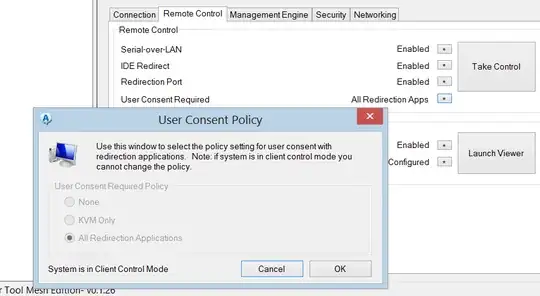
EDIT: it seems the system is in "Client Control Mode", so that's why I can't change the setting. Any ideas on how I would change that?
Glossary
- Intel AMT: Active Management Technology. Hardware based remote control and management by Intel
- KVM: Keyboard Video Mouse
- Intel SCS: Setup and Configuration Software by Intel. Used to configure Intel AMT
- MCTME: Manageability Commander Tool Mesh Edition