How can I make a number sign show up???
Asked
Active
Viewed 3.2k times

7 Answers
8
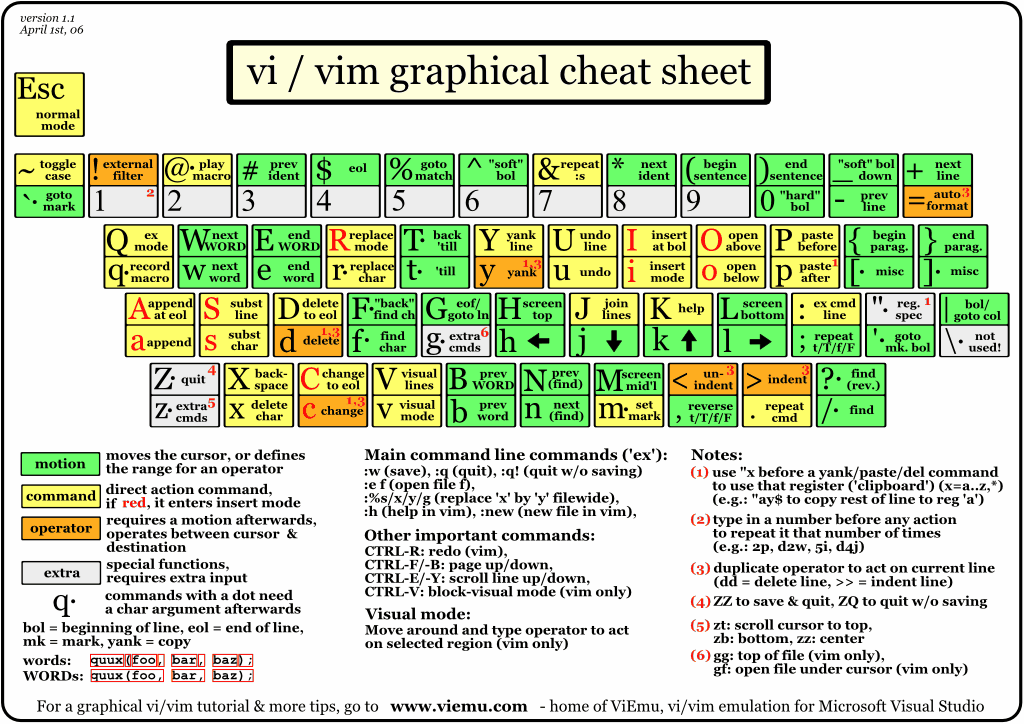
looking to this http://www.viemu.com/a_vi_vim_graphical_cheat_sheet_tutorial.html
(source: viemu.com)

Glorfindel
- 1,213

Rajat
- 3,349
6
Assuming a US keyboard, Press i to go into insert mode, and then shift-3. You can use either shift key, and press it the same time as the '3' key. The three key is after two, and before four.

Kyle Brandt
- 85,693
5
There is the very remote possibility that the user is using an antique unix that has # mapped to delete and @ mapped to kill (^U on most traditional modern systems).
If his system is configured this way, he will not be able to type a # because every time he does it will delete whatever character is to the left of where he is trying to type the #. The simplest way to fix this is stty erase (ctrl-V)(backspace key).
This is unlikely to be the case -- it's not likely that anyone is running irix 5.4 or hp/ux 10.20 these days, but who knows, right?

chris
- 12,104
2
For anyone who might still have this problem, I had the same thing. It was a problem with:
- UK Mac configuration for # is alt + 3
- Configuration of the terminal, not vim, to use alt as meta key or esc+ key
For fixing this in iTerm2, left alt key is set to Esc+ by default, change this to Normal. Presumably there will be something similar for other terms.

Doug
- 21
1
,If you're using a colour scheme and working in a file format that denotes comments as lines starting with "#", make sure that it's not erroneously setting comment highlighting to the same colour as that of the background. I ran into that problem myself and was pulling my hair out.

Cyle
- 145
0
If you're in insert mode, it should be just the same as any other application. If it doesn't say "--INSERT--" at the bottom of the terminal, hit i, then try typing. When you're done, hit escape to get out of insert mode and back to "command mode".
On the off chance you're using a Mac with a UK keyboard layout, you need to use alt+3 to get a # symbol.

Andrew
- 134
0
Assuming a UK keyboard layout, it can be a pain to input # (the hash symbol), due to various factors (meta key, Hash on Alt+3, etc).
You can remap any other key, e.g. £, to # in your ~/.vimrc file:
noremap £ :norm i#<CR>
Now, when you press Shift+3, it will input # at current cursor position.

Jose Alban
- 101
- 2