I have a Windows Sever 2012 Standard 64-bit running Hyper-V. The Hyper-V is hosting a guest OS of Windows 7 Professional 32-bit. I noticed that I was running out of disk space on my server. So I uninstalled a bunch of unneeded software. I rebooted the guest machine, and the server. After that I powered off the guest machine and I compacted the virtual disk drive that the Windows 7 system uses.
Even though I have removed 16 GB from the guest system, the used space on the physical server hard disk, is still showing that there hasn't been any change to the size of the virtual disk on the physical sever.
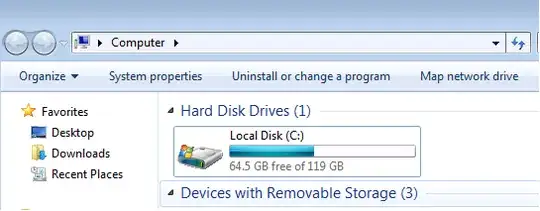

Can some please tell me how I can reduce the size of my virtual disk on my physical servers hard disk?
I have also made a video here that describes my issues, with the updated answers and comments from the users here.

