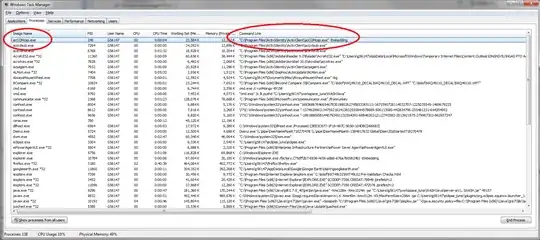
I know the tasklist command in Windows will give a list of task names and their PID. There is another command WMIC path win32_process get Commandline which does give more detailed information, but its output is much messier and sometimes unpredictable (so its very hard to write a pattern/regex against it, especially with findstr in MSDOS!)
So, I am wondering in Windows, is there a way to query the task manager directly to find an image name and the command line part of it? I figure if the task manager itself can find this information, there must be a way.
I'd greatly prefer this to be done in a Batch script, but if using something more sophisticated (such as using .NET or VB) is needed, an example would be great!