I've been using Cisco Meraki wireless access points to provide guest and BYOD access at some of my customer sites. One of the interesting bandwidth management features is the SpeedBurst traffic shaping option.
This is described simply as a temporary suspension of the bandwidth limit to make access feel "snappier", followed by a throttling down to the fixed limit.
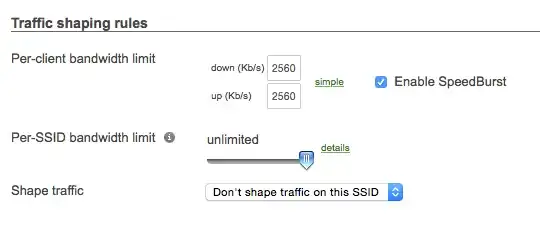
While giving a demo of a BYOD network for a client, I was asked how the SpeedBurst option worked, and didn't really have a good answer.
I'm curious about the specifics of this feature.
- Is the algorithm described in detail anywhere?
- How long is traffic burstable?
- What do repeated requests from the connected client look like and how does that impact overall speed and experience?

