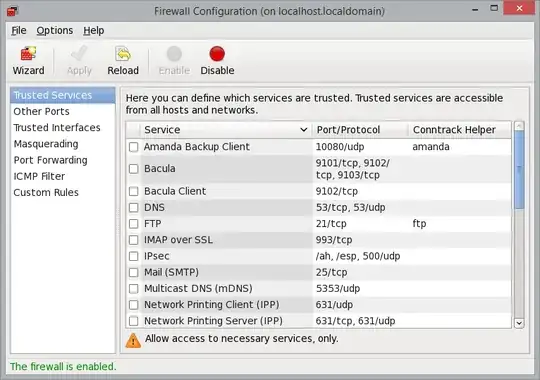
I have just installed CentOS 7:
[root@new ~]# cat /etc/redhat-release
CentOS Linux release 7.1.1503 (Core)
I am trying to configure the firewall, and I'm told that in CentOS 7 iptables is no longer used, replaced by firewalld. When attempting to run a command to set a firewall rule as such:
firewall-cmd --add-port=80/tcp
I receive the following message:
[root@new ~]# firewall-cmd --add-port=80/tcp
-bash: firewall-cmd: command not found
edit: I tried the following command, too:
[root@new ~]# firewall-offline-cmd --add-port=80/tcp
-bash: firewall-offline-cmd: command not found
without any success.
I tried running the following to check that firewalld was installed:
[root@new ~]# service firewalld status
Redirecting to /bin/systemctl status  firewalld.service
firewalld.service
   Loaded: not-found (Reason: No such file or directory)
   Active: inactive (dead)
Following this output, I tried starting firewalld:
[root@new ~]# service firewalld start
Redirecting to /bin/systemctl start  firewalld.service
Failed to issue method call: Unit firewalld.service failed to load: No such file or directory.
Any ideas what is wrong with the CentOS 7 install? This is a clean install on an OpenVZ VPS, I'm yet to make any changes at all.