I'm trying to add an ISO template to Cloudstack so that I can create instances, and I'm sure I've registered the ISO correctly.
Currently, it looks like this:
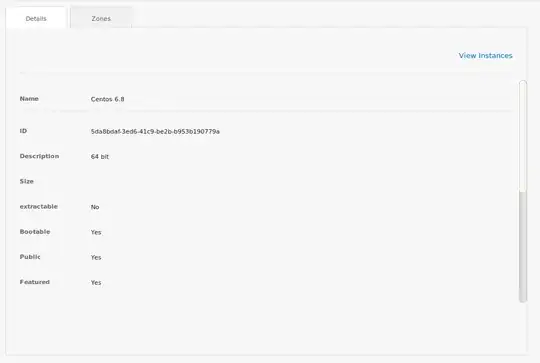 .
.
What it should look like is this, with the option to edit, download, delete etc.
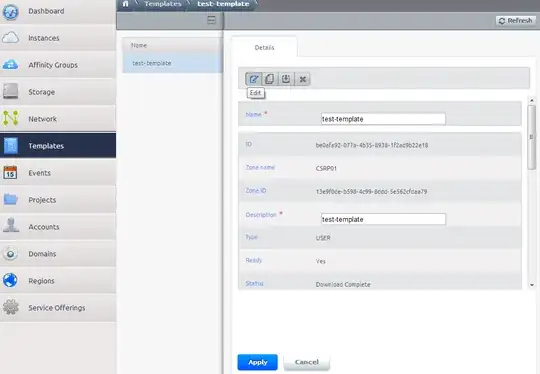
Is it a UI error?


